
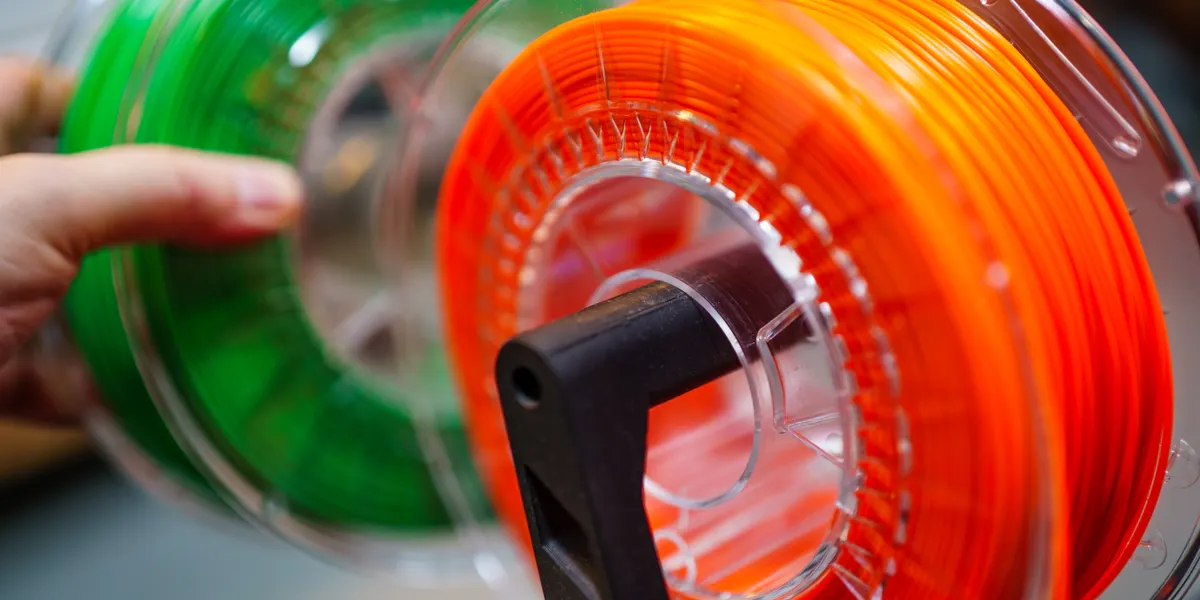
A multi-colour 3D printer prints one object in several filament colours without you stopping to swap spools. Almost every one is a filament (FDM) printer sold as a "Combo": the printer plus the maker's multi-spool unit, which feeds the nozzle from several spools in turn. These are the multi-colour printers the shops we track sell in your market:

Enclosed CoreXY FDM printer sold with ELEGOO's CANVAS multi-colour unit: the Centauri 2 for four-colour printing
ELEGOO

Enclosed CoreXY high-speed FDM printer sold with the CANVAS multi-colour unit: ELEGOO's flagship for four-colour printing
ELEGOO
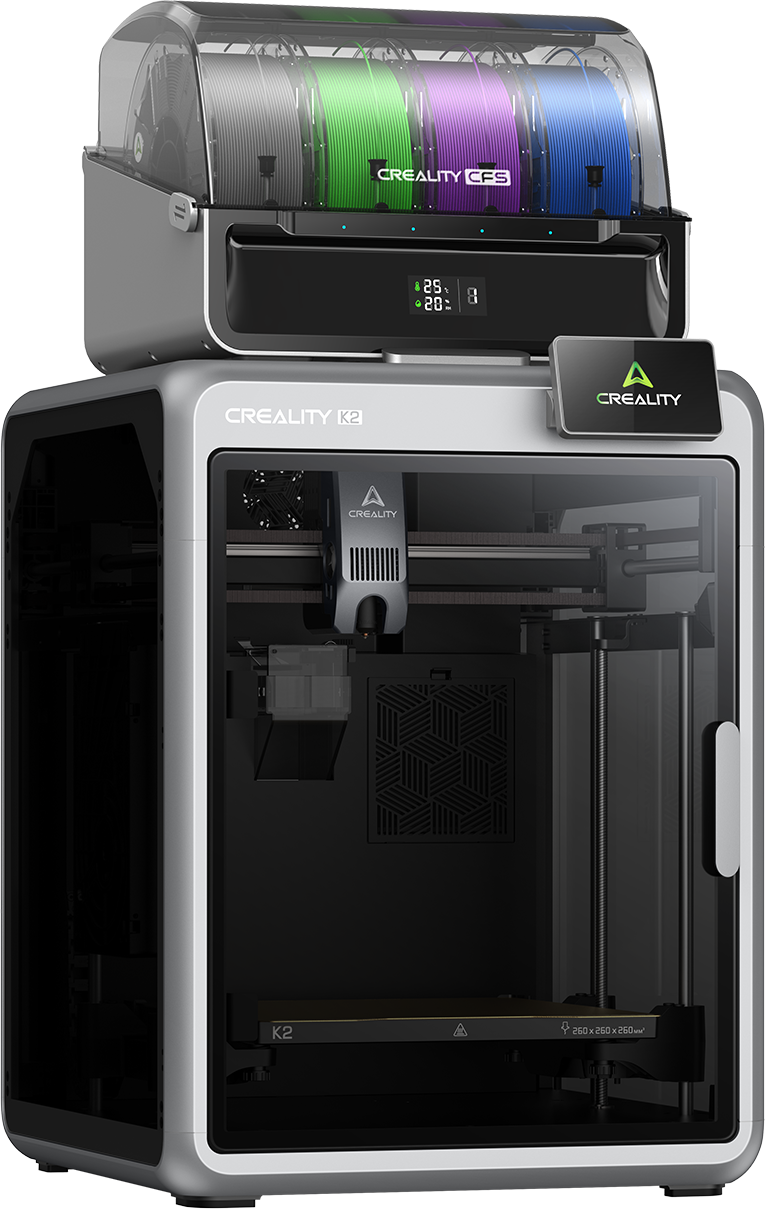
Enclosed CoreXY FDM printer with the CFS multi-colour unit
Creality
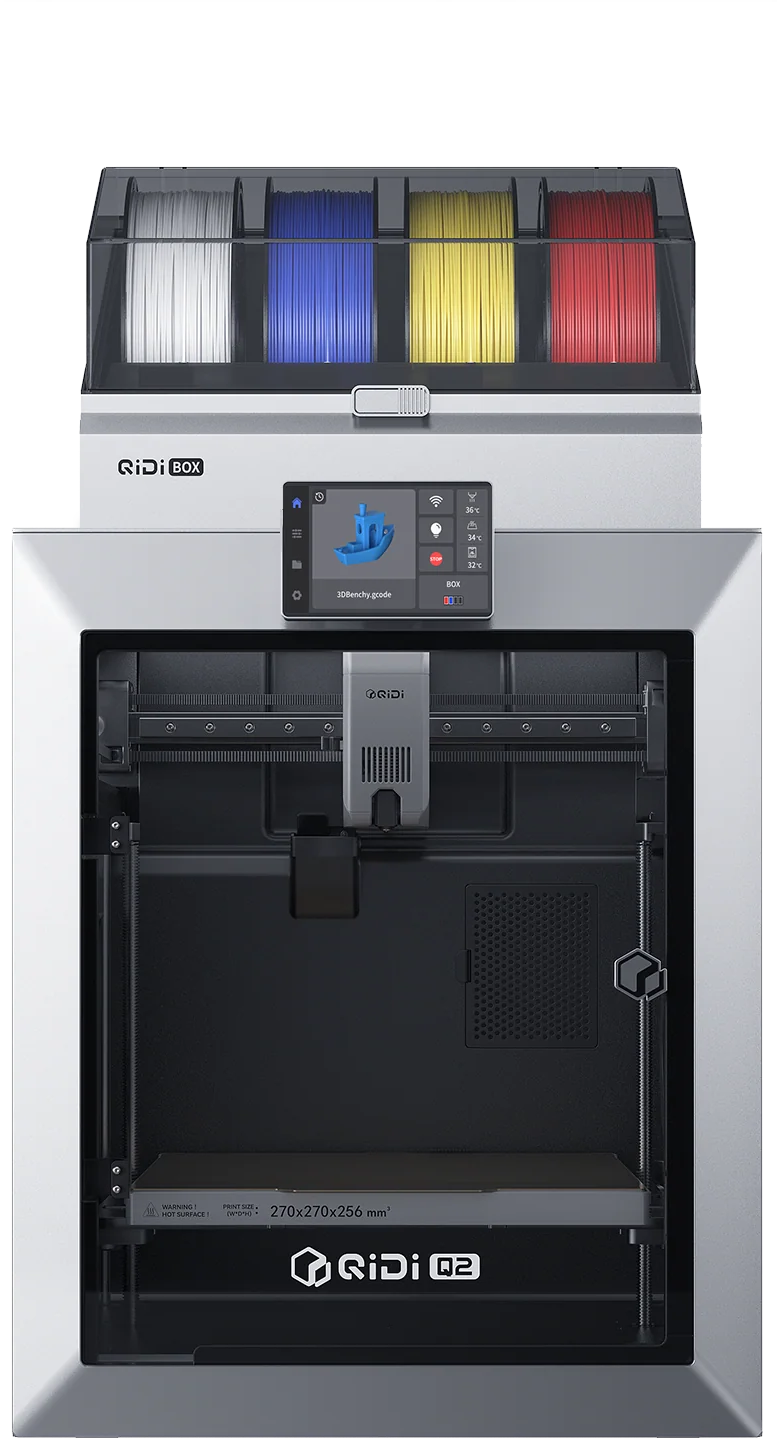
Compact enclosed CoreXY FDM printer with QIDI Box
QIDI Tech

Tool-changing multi-colour FDM printer
Snapmaker
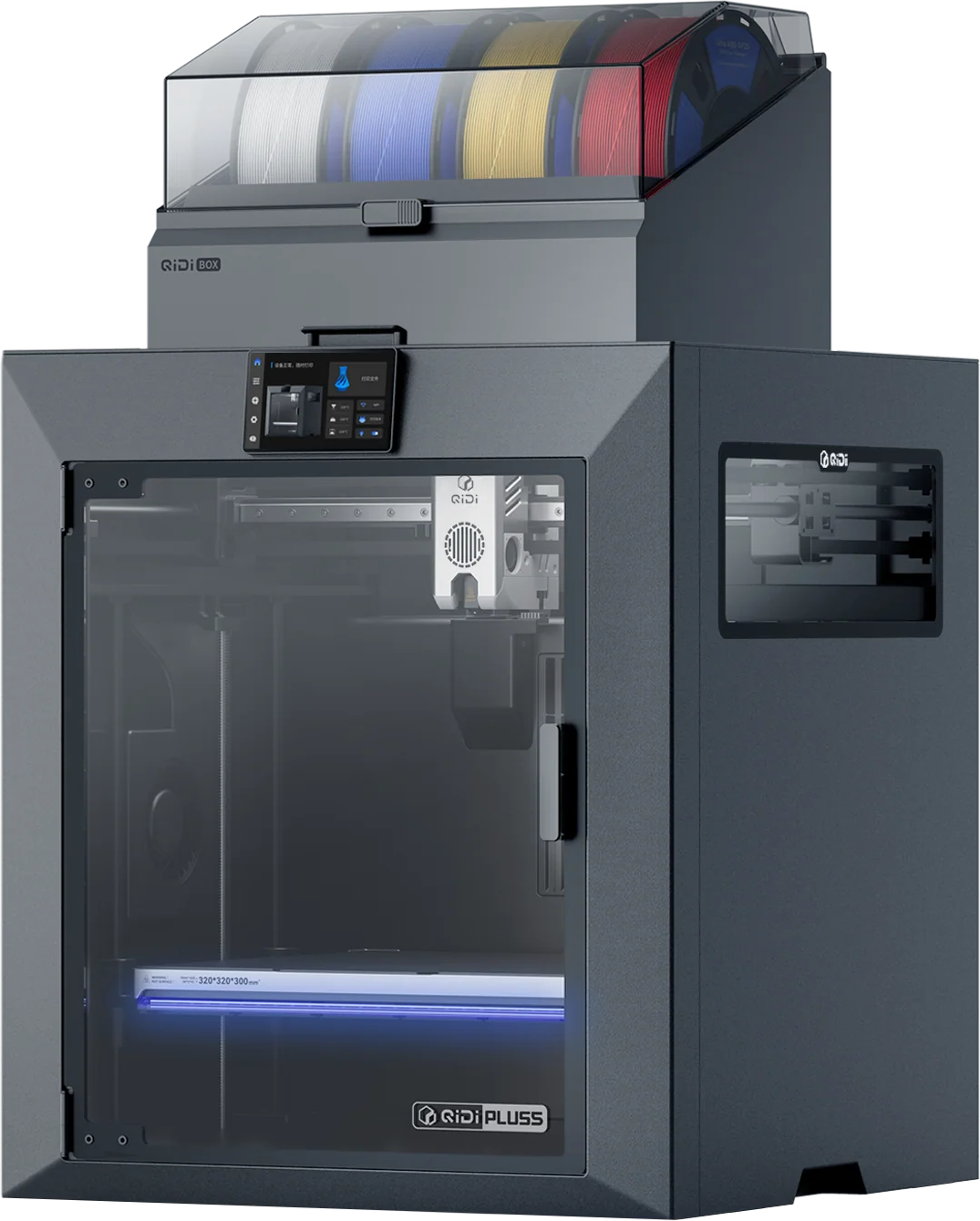
Enclosed CoreXY FDM printer with QIDI Box
QIDI Tech
Each printer above is sold with the multi-colour unit as the maker's named Combo. The plain version of the same printer is a single-colour machine, and the unit is a separate purchase, so the Combo is normally the better deal. If one colour is enough, our best 3D printer for beginners covers the single-colour machines.
How the multi-colour systems work
There are two designs, and they behave differently.
A filament unit feeding one nozzle. A box beside the printer holds several spools. To change colour, the printer retracts the old filament, pulls the new one through a tube and pushes it into the same nozzle. This is the design behind ELEGOO's CANVAS, Creality's CFS, Anycubic's ACE Pro and ACE 2 Pro, QIDI Box and Bambu Lab's AMS. It is the cheaper design, because the printer still has one hotend, and it is what almost every Combo is.
A toolchanger. Each colour has its own toolhead and the printer picks up the one it needs. There is no filament to retract and push through, so colour changes are faster and waste far less plastic. The Snapmaker U1 is a toolchanger, and Prusa sells large tool-changing printers such as the Prusa XL. They cost more than the filament-unit printers.
How many colours a system supports varies by model. The ELEGOO Centauri Carbon 2 Combo is listed for four-colour printing, and the Anycubic Kobra X Combo is listed for seven-colour printing. Check the listing for the exact count before you buy.
Waste: the real cost of colour changes
A single-nozzle printer cannot switch colour cleanly. After each change it pushes the old colour out of the nozzle, and that plastic is thrown away as a purge. A print with many colour changes, or many small areas of colour, can throw away more filament than the model itself, and the smaller the print, the worse the ratio.
Three things reduce it. Use fewer colour changes. Choose designs with large areas of each colour rather than fine mixed detail. Or buy a toolchanger, whose design avoids most of the purge (the cards below show the ones sold in your market). If you are on a budget, plan to buy filament for the waste as well as for the model.
Tool-changing multi-colour FDM printer
Snapmaker

Large tool-changing FDM printer
Prusa

Large tool-changing FDM printer
Prusa

Large enclosed CoreXY FDM printer with the CFS multi-colour unit
Creality
Which system is best for you
Cheapest way in: the ELEGOO Centauri 2 Combo and Centauri Carbon 2 Combo pair an enclosed CoreXY printer with the CANVAS unit, and the shops we track sell both in all five markets.
The widest choice of maker: Creality's K2 Combo and K2 Plus Combo use the CFS unit, QIDI's Q2, Q2C, Plus5 and Max4 Combos use the QIDI Box, and Anycubic's Kobra S1, Kobra 4 and Kobra X Combos use the ACE Pro or ACE 2 Pro unit, which also dries filament while it prints.
Enclosed CoreXY FDM printer sold with ELEGOO's CANVAS multi-colour unit: the Centauri 2 for four-colour printing
ELEGOO
Large enclosed CoreXY FDM printer with the CFS multi-colour unit
Creality
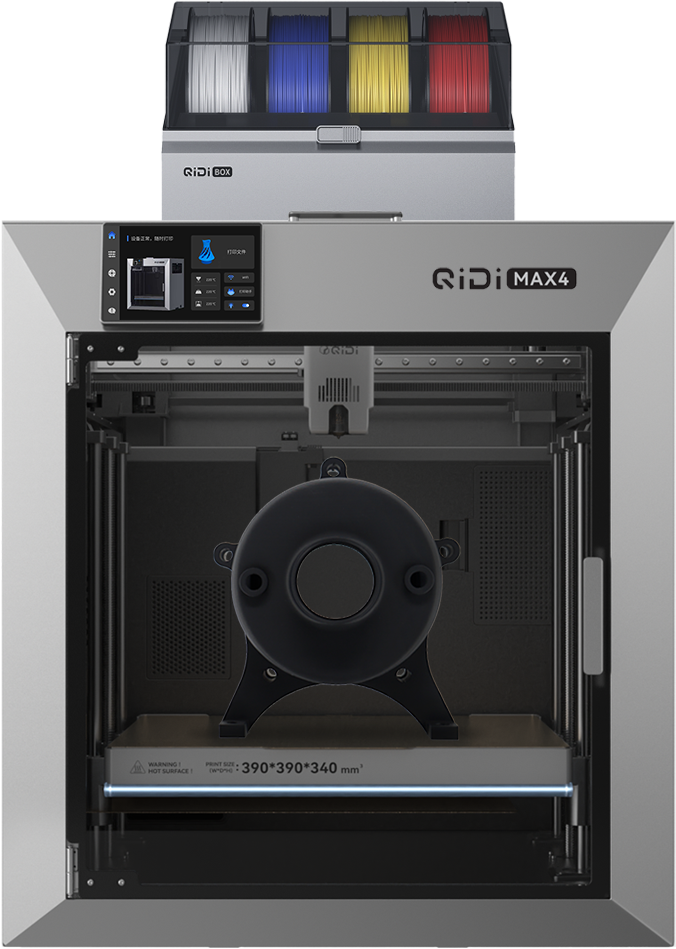
Large enclosed CoreXY FDM printer with QIDI Box
QIDI Tech

The Q2C printer with a QIDI Box multi-colour filament unit
QIDI Tech

Large-format enclosed CoreXY FDM printer sold with the ACE 2 Pro multi-colour and drying unit: four-colour printing
Anycubic
The shops we track do not sell Bambu Lab printers in this edition, so the picks here are ELEGOO, Creality, QIDI, Anycubic and Snapmaker systems, which do the same job.
What multi-colour means for miniatures and terrain
Miniatures. A multi-colour filament printer is not a way to print painted 28 mm figures. A colour region cannot be much narrower than the line the nozzle lays down, and eyes, faces and fine trim are smaller than that. Print miniatures in resin and paint them: see our resin printer guide and how to 3D print miniatures.
Terrain, bases and tokens. This is where multi-colour printing helps. Objective markers, counters, dice towers, movement trays and two-tone scenery can come off the plate finished with no paint. A single-colour printer can make all of it too, but then you paint it: see how to paint 3D prints.
Filament. These printers use standard filament such as PLA and PETG. Our filament storage guide and filament dryer guide cover keeping several spools dry.
Enclosed CoreXY high-speed FDM printer sold with the CANVAS multi-colour unit: ELEGOO's flagship for four-colour printing
ELEGOO
Enclosed CoreXY FDM printer with the CFS multi-colour unit
Creality
Enclosed CoreXY FDM printer with QIDI Box
QIDI Tech
Printers under a set budget are on the 3D printers shelf, where you can filter by price in your own currency.
Questions
What is the cheapest multi-colour 3D printer?
The cheapest are the filament-unit Combos from ELEGOO, Creality, QIDI and Anycubic. The cards above carry the live shop prices in your market, so compare them there.
What is the difference between AMS, CFS and CANVAS?
They are the same idea from different makers. AMS is Bambu Lab's, CFS is Creality's, CANVAS is ELEGOO's, ACE is Anycubic's and QIDI Box is QIDI's. Each holds several spools and feeds one nozzle, and each is sold for its own maker's printers.
Do multi-colour printers waste filament?
Yes. A single-nozzle printer purges the old colour at every change, and a print with many changes can throw away more plastic than the model uses. A toolchanger such as the Snapmaker U1 avoids most of the purge.
Can I print painted-looking miniatures on a multi-colour printer?
Not at 28 mm. Faces and trim are smaller than the printer can colour, so print miniatures in resin and paint them. Multi-colour suits terrain, markers and tokens.
Can I add a multi-colour unit to a single-colour printer later?
Often yes, if the maker sells the unit for your model, but the Combo is normally the better deal. Check the unit is listed as compatible with your exact printer.
We sell no 3D models and host no files: print only files you have the right to print, from their sculptor or publisher.