
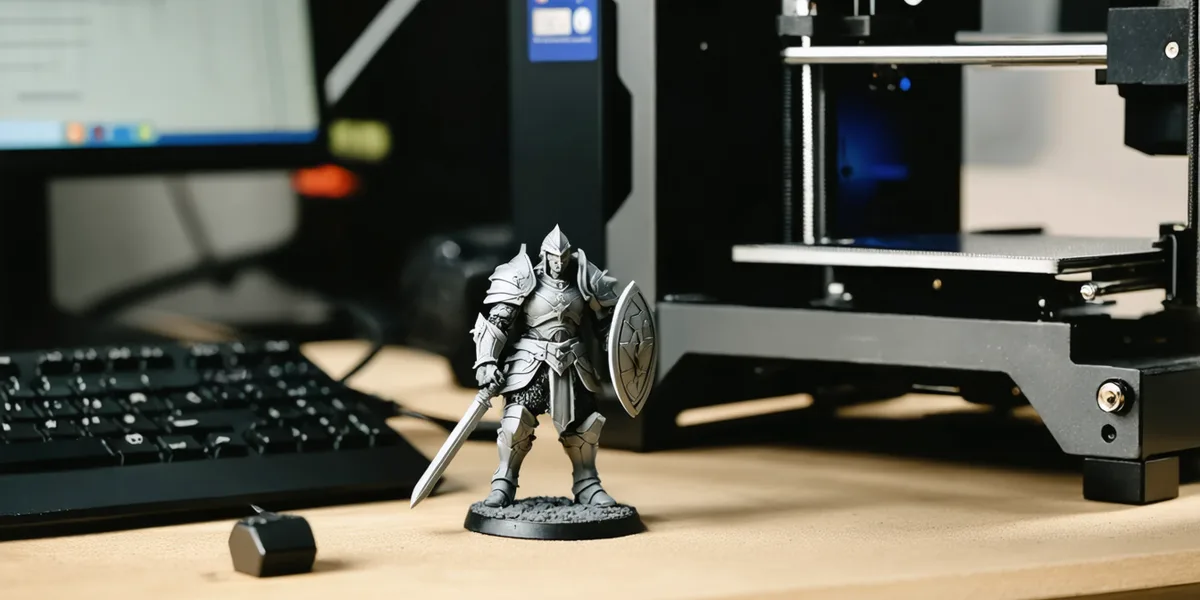
To 3D print miniatures at home you need four things: a resin printer, a bottle of resin, a way to wash the prints (isopropyl alcohol, or water for water-washable resin) and a way to cure them under UV light. A filament printer can make terrain and bases, but for 28 mm infantry and characters resin is the machine to use. These are a starting set, all sold by the shops we track in most markets:

9K, 7-inch monochrome LCD resin printer, the upgraded Mars 5 model
ELEGOO

Entry-level current-generation mono-LCD resin 3D printer
Anycubic
ABS-Like Resin V3.0 resin for 3D printing · 1kg
ELEGOO

Water-washable UV printer resin tuned for 8K-display printers, second-generation formula · 1000g
ELEGOO

Combined UV curing and IPA/water washing station for resin prints, current flagship model
ELEGOO

Combined ultrasonic wash and UV cure station for resin prints, the entry model in Anycubic's current line
Anycubic
The printers, resin and stations are on the 3D printers, resin and UV curing shelves.
What you need to 3D print miniatures
| Item | What it is for | Our guide |
|---|---|---|
| Resin printer | Prints the model, layer by layer, from liquid resin | Best resin 3D printer for miniatures |
| Resin | The material; ABS-like suits gaming models | Best resin for miniatures |
| Wash and cure station | Cleans off uncured resin, then hardens the print under UV | Curing resin prints |
| Release film | The film in the resin tank wears out and is replaced | Film and maintenance shelf |
| Gloves, paper towels, a scraper | Liquid resin is a chemical; Phrozen says standard resin needs gloves and protective equipment | |
| Primer and paint | The same as for any plastic miniature | Spray primer guide |
Step 1: choose a resin printer
The number that decides detail is the XY resolution, the size of one pixel on the printer's screen. The small printers (6.6 to 7.1-inch) in our printer guide state between 17 and 35 µm; the 10-inch ones fit more models per print. Start with a 7-inch printer sold in your market, unless you already know you will print whole armies. Elegoo Mars vs Saturn counts how many models each size fits on one plate.
Step 2: get the files
Miniatures are sold as STL files by their sculptors, often in monthly sets or by the model. Print only files you have the right to print: a file shared without its sculptor's permission is not one of them. We sell no models and host no files.
Step 3: slice and support
A slicer turns the model into the layers the printer exposes. Each printer's listing names the slicers it works with (CHITUBOX for the ELEGOO Saturn 4 Ultra 16K, for example, and VoxelDance Tango or CHITUBOX for the Phrozen Sonic Mini 8K S). Many sculptors sell files already supported, which saves the hardest part for a beginner: placing supports so the print does not fail and the marks fall where you will not see them.
Step 4: print
Fill the tank with resin, level the plate if your printer needs it, and start the print. Some printers (the ELEGOO Saturn 4 Ultra 16K, the Anycubic Photon P1) list a heated or temperature-controlled tank (20 to 40 °C on the P1, by its listing). The release film at the bottom of the tank wears with use; replace it when it clouds or tears.

Replacement FEP release film shared across the Mars 4, Mars 5 and Mars 5 Ultra vats · Pack of 5 sheets
ELEGOO

Replacement FEP release film for the resin vat, the wear part under the print · 5 sheets
Anycubic

ACF release film for resin printer vats, three sheets · 3 x 210 x 290 mm
Phrozen
Step 5: wash
A fresh print is coated in liquid resin. Standard and ABS-like resins are washed in isopropyl alcohol (IPA); water-washable resin in water. A wash station agitates the liquid for you. Phrozen's rule for water-washable resin: "Don't pour uncured water directly down the drain". Leave it in the sun so the resin cures, then filter it out.
Step 6: dry, then cure
Let the print dry fully, then cure it under UV light so it reaches full hardness. Formlabs' instruction for its own station is to "always wash and fully dry parts before post-curing". Our curing guide compares stations that do both jobs with stations that do one.
Combined UV curing and IPA/water washing station for resin prints, current flagship model
ELEGOO
Combined ultrasonic wash and UV cure station for resin prints, the entry model in Anycubic's current line
Anycubic

Resin wash and cure machine
Creality

Combined wash and UV cure station for resin prints
Phrozen
Step 7: remove supports, prime and paint
Clip the supports, sand any marks, and wash the model with soap and water before priming, as you would a resin kit. From here it is an ordinary miniature: prime it, paint it and base it, with the print-specific steps in how to paint 3D prints. Our how to start painting and basing guides take over.
Printing terrain too?
Resin is slow and costly for big pieces. Most people who print an army also own a filament printer for buildings, scatter and bases. Our resin vs FDM guide explains the split, and PETG vs PLA covers the filament.
Questions
Can you 3D print miniatures at home?
Yes. You need a resin printer, resin, a way to wash the prints and a way to cure them under UV light. A wash and cure station does the last two in one machine.
What is the best 3D printer for D&D miniatures?
A resin printer, for the detail on faces and hands. A 7-inch model suits a few heroes at a time; a 10-inch printer suits large monsters and batches.
Is resin or filament better for miniatures?
Resin, for detail at 28 mm. Filament is cheaper per model and better for terrain and big pieces.
Do I need a wash and cure station?
No, but it is the easiest way. A tub of isopropyl alcohol and a UV lamp or curing chamber do the same jobs by hand.
We compare makers' figures and the prices at the shops we track; we have not printed these models ourselves.